How-to guides
For students
Start your plan, keep up with deadlines, and ask for help in your own words.
Get started
Students sign up with an email and a password. If you are 13–17, your parent must approve your account.
Step 1 of 3
Open Student sign-up, enter your email and create a password. Tap Confirm my email in the one email we send.
Open this page →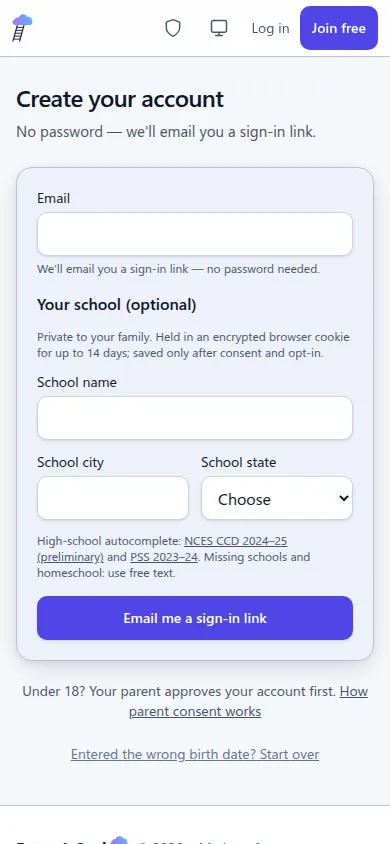
Step 2 of 3
Choose Student, add your name, state, and graduation year. If you are under 18, add your parent's email and wait for approval.
Open this page →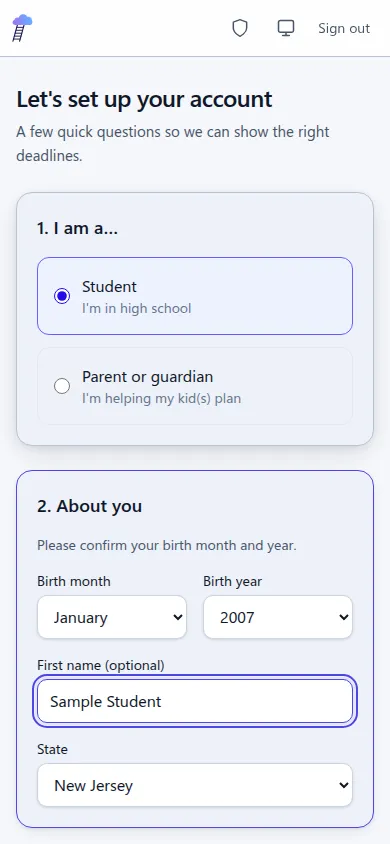
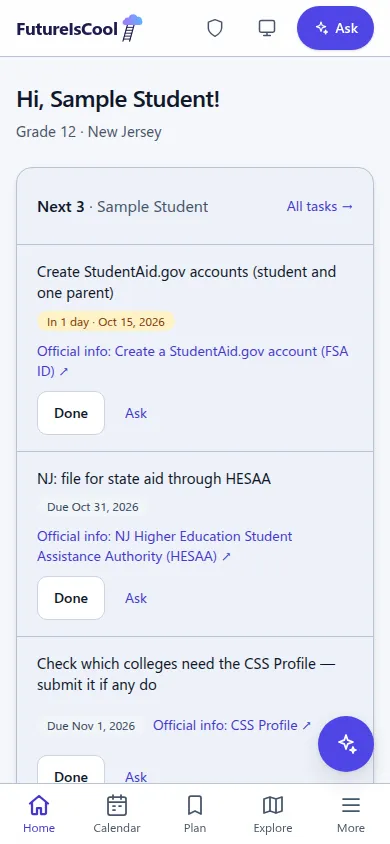
This week
Home shows your next three tasks; the coach can show a weekly check-in when one is available.
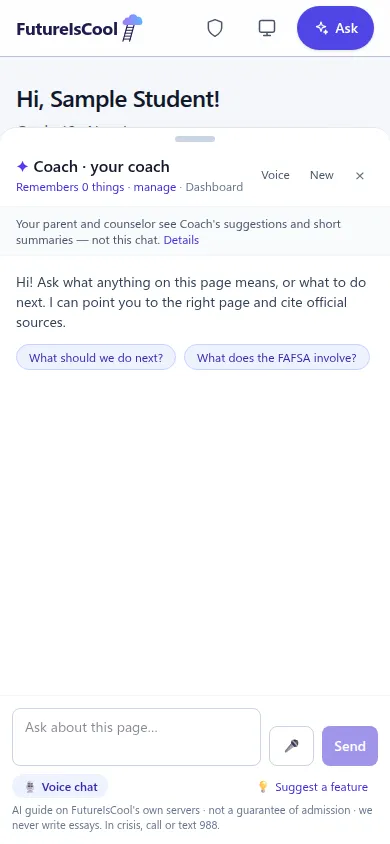
Ask FutureIsCool, your guide
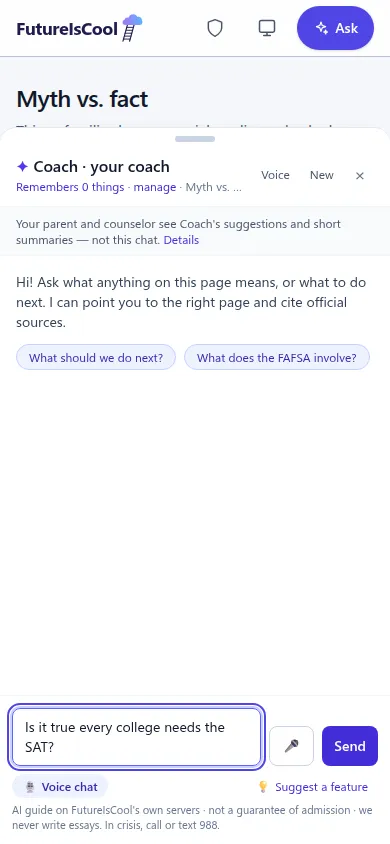
Ask by text. Voice chat is available where voice input is enabled; the assistant can speak its replies.
Step 2 of 2
If Voice chat is available on your account and device, turn it on to talk and hear replies.
Open this page →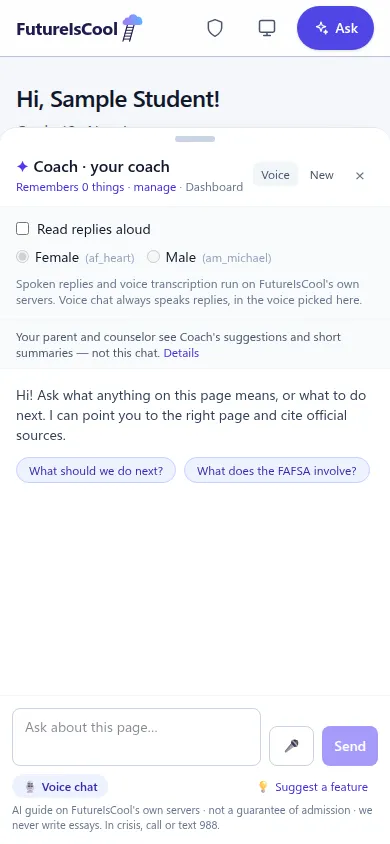
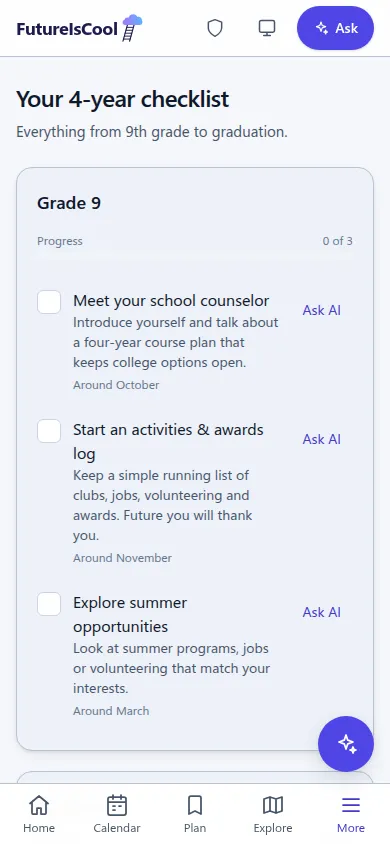
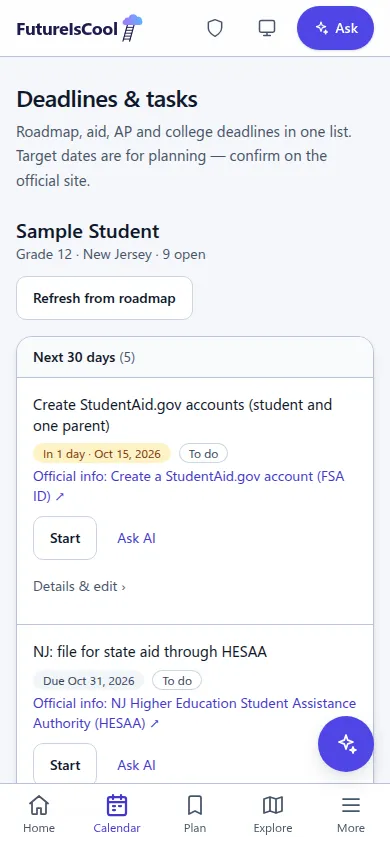
Checklist and deadlines
Use the four-year checklist for milestones and the tracker for dated tasks.
AP planner
Plan courses by grade and check college AP credit against official policies.
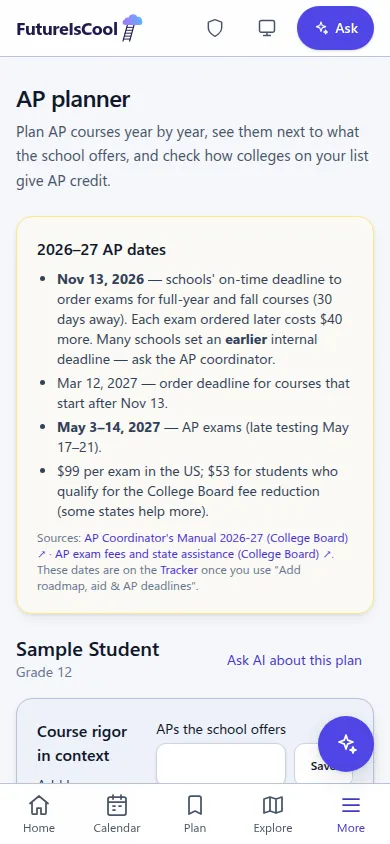
Step 2 of 2
Set its grade and status. Check a college's official AP credit page before relying on credit.
Open this page →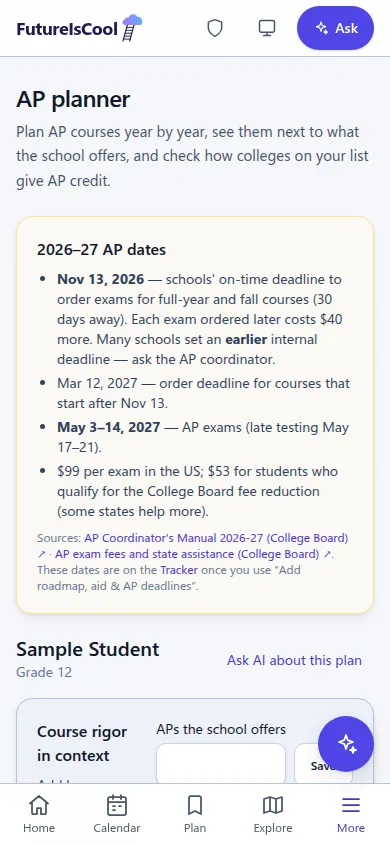
Essays in your voice
Save your own draft. A connected counselor can leave comments and suggested edits; you decide what to use. The assistant can brainstorm and comment, but will not write an essay for you.
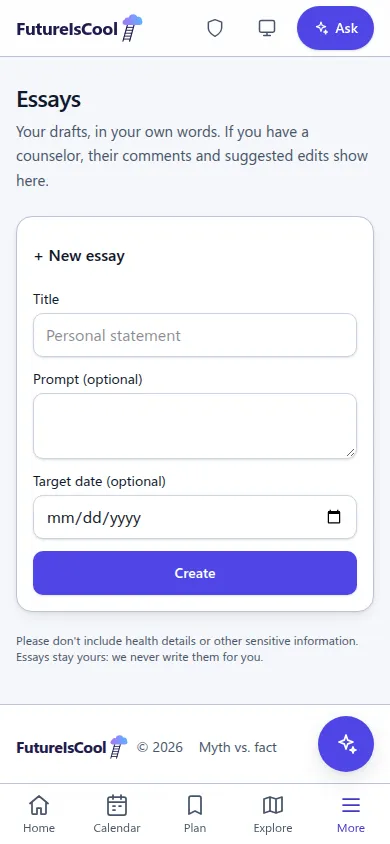
Step 2 of 2
Write and save your draft. If a counselor comments, review the notes and mark them resolved when done.
Open this page →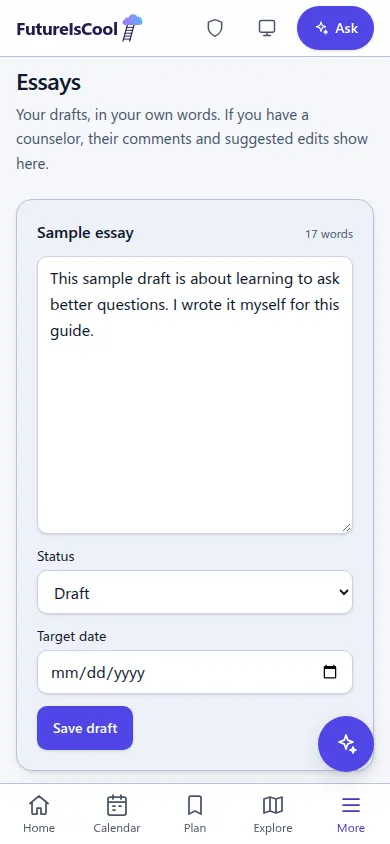
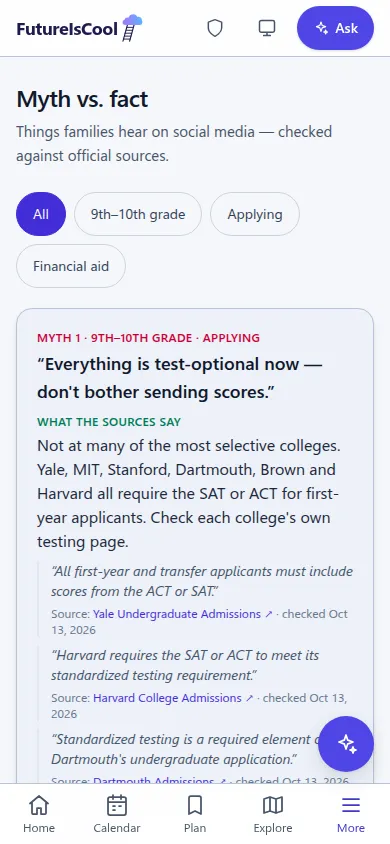
Myth vs. fact
Read sourced answers, or ask the guide “Is it true…” for a live check against available official pages.
Tasks from your school
If you joined with your school's code, tasks your counselor assigns show up here. Check them off when you're done.
Step 1 of 2
Open Your school from More, then the School tasks tab, to see what your counselor assigned and when it's due.
Open this page →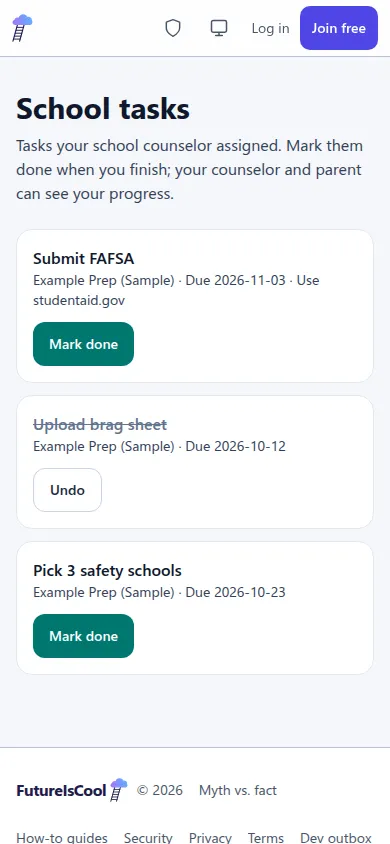
Privacy and sharing
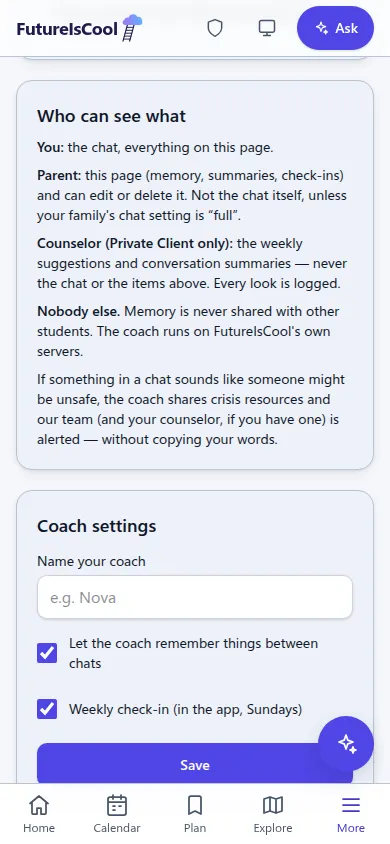
See what your parent can view, manage coach memory, and read the privacy policy.